You are deciding whether this exact address can carry your workday, your calls, your uploads, and your household’s evening on a connection a technician can physically install at that house. The map tells you what a provider reports. Your decision needs what the provider will put in writing for that street address, and what your phone does in the room where you would work.
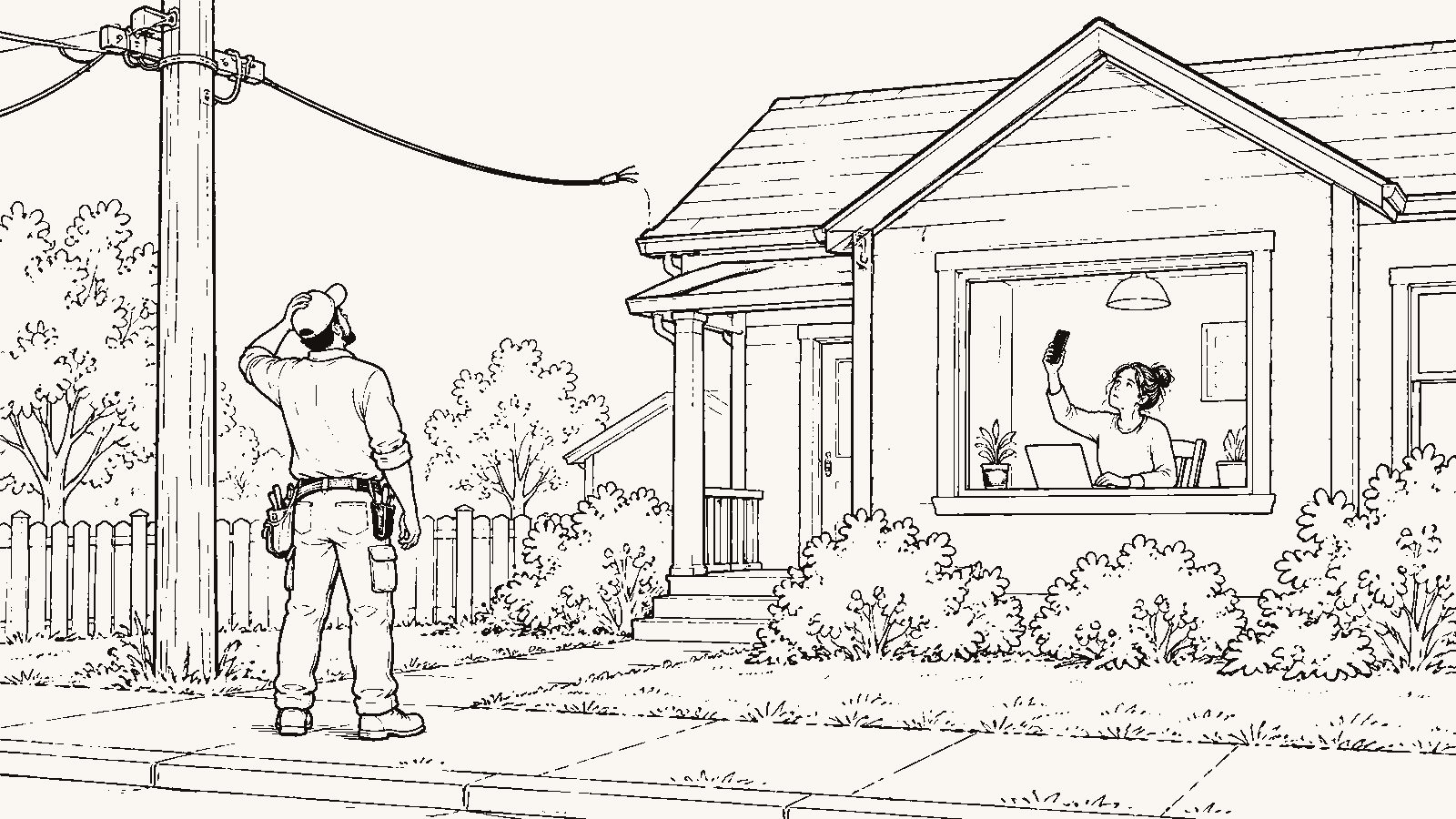
The gap between those two is where buyers get caught. A listing says “high-speed internet available.” A ZIP code shows three providers. The house closes, the technician arrives, and the line stops at the pole two lots down, with a construction quote and no date. Everything below is a way to find that out while you can still walk away.
What does the map tell you, and what kind of information is it?
Start at the FCC National Broadband Map (https://broadbandmap.fcc.gov/). Type the exact street address, not the ZIP code and not the subdivision name. For that address the map lists each provider that reports service, the technology it uses, and the maximum advertised download and upload speeds. It also shows mobile coverage by carrier. The FCC states this on the map itself. Official record for what the map is; Provider-reported for every number on it.
The distinction matters because the data comes from the providers’ own filings under the FCC’s Broadband Data Collection. A provider reports that it can serve a location. Nobody from the FCC drives to the house to check. The FCC publishes a challenge process for this reason, described at https://www.fcc.gov/BroadbandData/consumers, and the existence of that process is the FCC’s own statement that the map can be wrong for a given address. Official record.
So read the map as a list of phone calls to make, and nothing more. Searching it costs you five minutes; trusting it alone can cost you the workday. For the difference between a summary and a primary source, and the labels this blog attaches to each, read What to Verify Yourself Before You Trust Any Relocation Guide (https://beforethekey.com/blog/what-to-verify-yourself-before-you-trust-any-relocation-guide/).
Write your week in internet terms
Before you make the calls, translate your normal Tuesday into what the connection has to carry.
Write down the hours you spend on video calls and whether you share your screen. Write down the largest files that leave your computer in a week, and how long you can wait for them to go. Count the people in the house who are online at 7 pm on a weeknight and what each one is doing. Then answer one question: whose job or class ends if the connection drops for an afternoon?
That page is your specification. A household that streams and checks email has a different specification from a household with one person on eight hours of calls a day and another uploading video for a living. Writing it down costs you twenty minutes and stops you from asking a provider “is it fast?” when the question you need answered is “can it carry this?”
Why the technology matters more than the headline number
The map lists a technology next to each provider: fiber, cable, DSL, fixed wireless, satellite. Two providers can advertise the same download speed and give you different afternoons, because the technologies differ in the two numbers the headline leaves out.
The first is upload. On the map, compare the upload number to the download number for each provider. Where the two match, the tier is symmetrical. Where the upload is a fraction of the download, that fraction is what a shared screen, a two-way video call, a file sync, and a cloud backup all draw from. If you work from the house, the upload number is the one to write down. Confirm it with the provider, because the map shows a maximum advertised figure, and the tier available at your house may be lower. Provider-reported, then Personal verification.
The second is latency and consistency. Satellite service reaches houses no wire reaches, and it costs you delay on every round trip and sensitivity to weather, and it often comes with a data allowance. Fixed wireless depends on a clear path to a tower, which trees and new construction can change. Neither is disqualifying for a household that streams and browses. Either can be a daily problem for a household on video calls. Match the technology to the specification you wrote, and put the cost of the mismatch on the page.
Call each provider with the street address
This step produces a fact instead of a report.
Call every provider the map lists. Give the street address. Do not accept an answer based on the ZIP code, the city, or the neighborhood. The calls cost you an hour of hold music per provider and sometimes an answer you did not want; skipping them costs you the same discovery after closing, with no way to walk away. Ask, in this order:
- Is there an existing drop at this house, or a line at the pole or pedestal it would connect to?
- Which tier is physically available to this address today, with the download and the upload number?
- What does installation require, how long does it take, and is there a construction charge or a waitlist?
- Will you send me that in writing, tied to the address?
Each answer changes the decision differently. A drop at the house means a previous owner had service. You are buying a known connection. A line at the pole with no drop means an installation, which usually means a scheduled visit and sometimes a fee. A construction quote means the provider counts the address as serviceable on paper and has not built to it, and the provider owns the timeline. “Reported” and “serviceable” are two different words, and a construction quote is the difference between them. If a provider will not put its answer in writing, treat the address as unconfirmed for that provider. If the map shows several wired providers and the seller has service today, the calls are short. Make them anyway, because the seller’s tier may not be the one you need.
The remote worker’s two extra questions
If your income depends on the connection, ask two more things.
Ask the provider whether the tier you would buy is symmetrical. If not, ask for the upload number at this address. Then, during a showing or a live video tour, ask the seller’s permission to run a speed test on the seller’s connection, and note the hour and the day. A test at 2 pm on a Wednesday tells you less than a test at 7:30 pm on a Thursday, when the neighborhood is home. Personal verification. The seller can say no, a single test is one sample, and the seller’s tier may not be the one you would buy, so treat it as a check on the provider’s answer rather than a replacement for it.
Ask, too, what happens on an outage. If the house has one wired provider, one outage takes your workday with it. A cellular hotspot is the usual fallback, and it depends on reception you have not tested yet.
Test your phone inside the house
Stand in the room where you would work. Make a call on the carrier you use. Do it again in the kitchen, the bedroom, and the basement or the far end of the house. Note the bars, whether the call holds, and whether a text with a two-factor code arrives before you give up on it. Personal verification.
The map shows mobile coverage by carrier, and it is provider-reported the same way fixed service is. A house can sit inside a coverage area and lose the signal at the interior walls. Metal roofing, foil-backed insulation, a hillside, and a basement office each change the answer, and none of them appears on a map. This test happens in person or through someone standing in the house for you, and it costs a scouting trip or a favor. If you are buying from out of state, put it on the video tour standard in Buying From Out of State: What Your Local Eyes Need to Check (https://beforethekey.com/blog/buying-from-out-of-state-what-your-local-eyes-need-to-check/).
Read the label for the price after the promotion
The FCC requires providers to display a broadband consumer label at the point of sale, showing the monthly price, the price after any introductory period, speeds, data allowances, and fees. The FCC describes the requirement at https://www.fcc.gov/broadbandlabels. Official record for the rule; Provider-reported for what any specific label says.
Pull the label for the tier you would buy at this address. The number to write down is the price after the promotional period, next to the data allowance and the equipment fee. A tier that looks cheap for twelve months and carries a cap changes a streaming household’s month in a way the advertised speed never shows. Reading the label costs five minutes and sometimes moves the house’s monthly cost up. Skipping it hides a recurring cost until the second year’s bill.
One provider or two
Count how many of the providers on the map survive the phone calls as physically available wired options. If the answer is one, you are buying an address where one outage or one price increase has no alternative. If the answer is two, you can hold a backup or switch.
Search both addresses you are comparing. The quiet road with the acreage often returns one DSL or fixed wireless entry where the denser street returns two wired providers. Decide which one you are moving for, and put the other on the cost side of the page.
When the map is wrong
If the map shows a provider and the provider says no at your address, or the reverse, the FCC’s availability challenge lets you report it (https://www.fcc.gov/BroadbandData/consumers). Official record.
Know what a challenge does and does not do for you. It can correct the map for that location, which helps the next buyer. It does not build a line to the house, and it does not run on your closing timeline. File it, and make your decision on the provider’s written answer.
The tradeoff, on both sides of the page
Making your offer conditional on a provider’s written confirmation buys you certainty and costs you time and, in a competitive situation, the offer the seller prefers. Paying a construction charge buys the connection. It costs money and weeks or months of waiting, sometimes with no firm date. Satellite or fixed wireless as the plan buys coverage where wires do not go and costs latency, weather, data allowances, and equipment. A hotspot as the backup buys outage insurance and costs a data allowance and depends on the reception you tested in the house. The address with two fiber providers buys redundancy and often costs the lot size or the quiet you were moving for.
Each of these is a price, and any of them can be the right one for your household. Once the decision is made and the address is yours, the installation itself belongs to Utilities, Internet and Services: What to Arrange Before Moving Day (https://beforethekey.com/blog/utilities-internet-and-services-what-to-arrange-before-moving-day/).
What must I verify personally
- Search the exact street address on the FCC National Broadband Map and write down every provider, technology, and advertised download and upload speed. Provider-reported.
- Call each provider with the street address. Ask whether a drop exists at the house, which tier is physically available today with both speed numbers, what installation requires, and whether there is a construction charge or a waitlist. Ask for the answer in writing, tied to the address. Personal verification.
- Ask the seller, through your agent, which provider serves the house now and for a recent bill. Local observation.
- During a showing or a video tour, with the seller’s permission, run a speed test on the seller’s connection and note the day and hour. Personal verification.
- Stand in the room where you would work and make a call on your carrier. Repeat in the kitchen, the bedroom, and the farthest room. Note the bars and whether the call holds. Personal verification.
- Read the broadband consumer label for the tier you would buy: price after the promotion, data allowance, equipment fee, and term. Provider-reported.
- If the map and the provider disagree, file the availability challenge, and make your decision on the provider’s written answer, not on the map.
What should I ask a local
- Which provider do you use, and what does a speed test show at 7:30 on a weeknight?
- How often does it go out, and how long does it take to come back?
- Is the line on poles or underground on this street, and have you lost service in a storm?
- Has a provider brought fiber to this street, and when? Did it connect every house or only some?
- Does your phone work inside the house, or do you step outside to take calls?
What should I ask my agent
- Will you get the current provider’s name and a recent bill from the seller before I write an offer?
- Will you test cellular reception in every room on the video tour and tell me which carrier you used?
- Can I write the offer with a period to confirm service in writing from the provider, and what does that cost me against other offers in this situation?